Which 25 ChatGPT prompts for marketing should your small business try?
 by Elijah LeFavour, Chief AI Officer AI Advice

In brief: Use these 25 ChatGPT prompts for marketing with your approved business information and a named reviewer. Each prompt specifies an audience, evidence and output. Check the draft before publication.
Short answer: supply your business context, approved evidence and desired format before using any prompt below. Review every claim, customer detail and instruction against the original material before you publish or send.
These are Spectral's original ChatGPT prompts for marketing in your small business. Replace each example business with your own and supply the materials it requests. For this guide, I checked every statistic against its published source, from OpenAI, Google and the Federal Trade Commission. Prepare your inputs using our guide to marketing with ChatGPT.
Which Prompts Help You Organize Marketing Research?

OpenAI recommends clear, specific prompts with sufficient context. Give your assignment a defined audience and evidence set. Treat missing information as a question for your team.
1. Organize customer questions
For a Las Vegas HVAC shop serving homeowners, group these anonymized customer questions by service need. Use only the supplied notes. Return a table of themes, supporting examples and unanswered questions for our website editor.
Compare each theme with your original notes. Remove categories unsupported by the supplied questions. Ask the service manager to review technical wording before using the themes in website copy.
2. Find missing service information
Review this approved salon service description for first-time visitors. Identify information missing from the supplied text without inventing answers. Return a numbered question list for the owner to complete before drafting an appointment page.
Check whether your source already answers each question. Delete duplicates and unrelated requests. Have the owner supply missing facts before asking for another draft.
3. Compare supplied source passages
Help an auto shop prepare an article for vehicle owners. Compare these supplied manufacturer passages on the chosen maintenance topic. Return supported points, source labels and disagreements without resolving differences through invented information.
Open your original sources and inspect each match. ChatGPT search results and citations are subject to incomplete, outdated or incorrect information. Keep unresolved source differences visible in the review notes.
4. Build an audience brief from notes
For a local retailer planning a customer guide, summarize the audience needs expressed in these anonymized interview notes. Use no outside assumptions. Return stated needs, supporting excerpts and questions requiring further customer research.
Check every audience statement against your interviews. Remove invented demographics and purchase motivations. Keep individual comments separate from conclusions about all customers.
5. Plan a focused research assignment
For a restaurant explaining private dining to event organizers, use this approved service outline to propose a research agenda. Return questions, existing supporting material and information the owner must supply before content drafting.
Check the agenda against your actual service boundaries. Remove questions unrelated to private dining. Assign each remaining question to someone authorized to provide the answer.
How Should You Draft and Review Website Content?
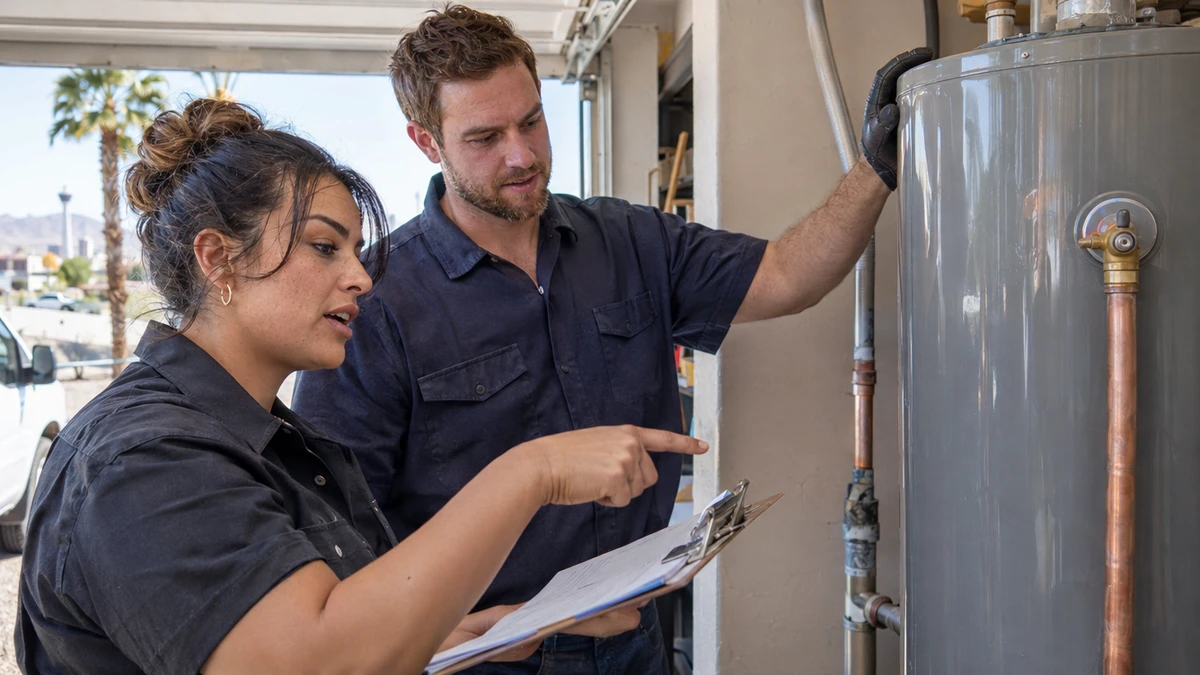
Google calls for manual accuracy and trustworthiness checks on AI-generated web content. Keep your approved source material beside each draft. Use a human reviewer before publication.
6. Outline a service page
For a plumbing shop serving local homeowners, turn this approved service description into a website outline. Address the supplied customer questions. Return proposed headings, supporting source notes and missing facts without adding services.
Match each proposed heading to your actual work. Check whether the supporting notes answer the heading's question. Remove unsupported service claims before drafting the page.
7. Rewrite a technical explanation
Rewrite this approved auto repair explanation for drivers unfamiliar with the terminology. Preserve every service limitation and factual detail. Return a plain-language draft plus a list of wording changes for the service advisor.
Ask your service advisor to compare both versions. Check whether simpler wording changed the meaning. Restore any limitation lost during the rewrite.
8. Draft answers from approved material
For a salon appointment page, answer these five first-visit questions using only the attached owner-approved notes. Return each question with a short answer and source label. Mark unanswered questions for owner review.
Check your answers against current appointment instructions. Confirm the source labels point to the right notes. Leave unanswered questions unpublished until the owner supplies facts.
9. Revise a draft to match your voice
Revise this retail store article for existing customers using the supplied writing samples and voice rules. Preserve approved facts. Return the revised draft and a change list explaining tone edits without inventing customer experiences.
Compare your revised draft with the approved original. Inspect changed factual wording before reviewing tone. Reject added experiences or claims absent from the supplied material.
Which Prompts Support Your Advertising Drafts?
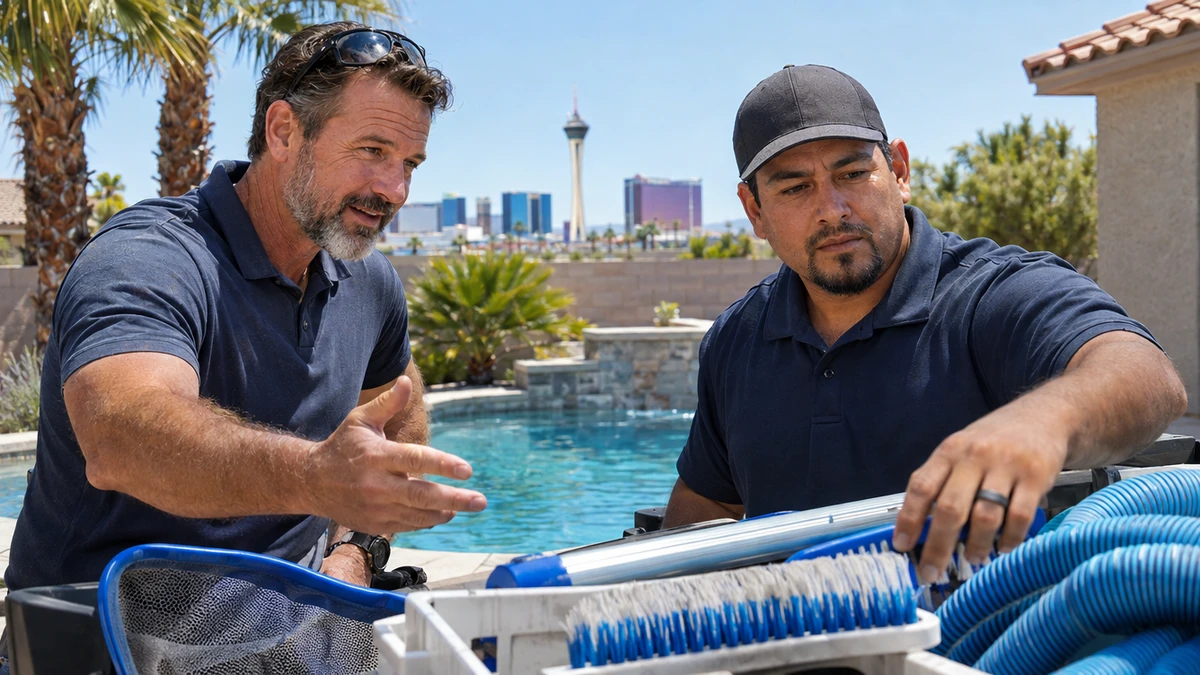
The FTC requires evidence supporting advertising claims. Provide your substantiation with the brief. Inspect each draft against this evidence before approval.
10. Draft service ad headlines
For an HVAC shop advertising maintenance to local homeowners, draft six headlines from this approved service sheet. Use the supplied length limit. Return each headline with its supporting fact and omit unsupported performance claims.
Count the characters in your chosen headlines. Check every service statement against the source sheet. Ask the account owner to review the final ad before use.
11. Write matching ad descriptions
For a salon addressing first-time appointment seekers, draft four ad descriptions from this approved appointment page. Follow the supplied length limit and contact instruction. Return each description beside the page detail supporting it.
Confirm your description matches the actual destination. Check the contact instruction and service availability. Remove wording which suggests an experience absent from the approved page.
12. Inspect an ad for unsupported claims
Review this retailer's draft ad for shoppers comparing the listed products. Use only the supplied product records. Return a table of claims, supporting evidence and statements requiring human review before publication.
Verify the model's evidence matches yourself. Do not accept its supported label without reading your records. Delete claims with missing or insufficient substantiation.
13. Compare an ad with its destination
For an auto shop seeking service appointments, compare this draft ad with the supplied destination page. Return differences in service wording, audience and contact instructions. Suggest edits using only the approved page facts.
Read your ad and page together. Confirm every proposed edit preserves the intended service. Assign the final wording to the person responsible for approving your advertising.
How Do You Draft Email Without Losing Accuracy?
The FTC requires accurate commercial email subject lines and honoring opt-out requests within 10 business days. Keep your sender responsible for these checks. Review the message and sending process together.
14. Write accurate subject lines
For a restaurant emailing existing event contacts, write five subject lines for the supplied approved private-dining message. Reflect the message accurately without adding urgency. Return each subject beside the sentence supporting its meaning.
Compare each subject with your complete email. Remove any suggestion absent from the message. Have the sender select the final version after checking accuracy.
15. Draft a service introduction
For a plumbing shop writing to existing customers, draft a concise introduction to the supplied approved service guide. Use the provided contact instruction. Return a subject, opening paragraph and closing without inventing customer needs.
Check the draft against your service guide. Confirm the contact instruction is current. Review recipient selection and opt-out handling with the human sender.
16. Draft a requested follow-up
For a salon replying to someone who requested appointment information, draft an email from these anonymized notes and approved booking instructions. Answer only the recorded questions. Return the response and any facts requiring confirmation.
Match the reply to your customer's actual request. Remove assumptions about preferences or appointment availability. Have the booking employee confirm the instructions before sending.
17. Shorten an approved email
Shorten this retailer's approved product-care email for existing customers. Preserve every instruction and limitation in the supplied text. Return the shortened version and a checklist of preserved details for the sender to inspect.
Compare your shortened draft with the original. Verify each care instruction and limitation remains accurate. Inspect the subject again if the message emphasis changed.
Which Prompts Help You Prepare Social Posts?

The FTC recommends placing a disclosure with the endorsement message itself. Check your final post when an endorsement is involved. Keep disclosures attached to the published message.
18. Build a source-based posting plan
For a Las Vegas restaurant addressing local diners, propose five social post topics using this approved menu and service brief. Return a topic, audience question and supporting fact for each. Do not add events.
Check each topic against your current brief. Remove menu details or events absent from the source. Ask the manager to approve the plan before drafting posts.
19. Draft a factual photo caption
For a salon showing its workspace to prospective visitors, draft three captions using the supplied owner-approved photo description and service facts. Return one sentence per caption. Avoid identifying customers or inventing their experiences.
Compare your captions with the actual photograph. Confirm the description reflects what appears. Remove customer details the owner has not approved for publication.
20. Adapt an approved article
For an HVAC shop explaining its services to homeowners, turn this approved article into three short social posts. Preserve the supplied limitations. Return each post with its source paragraph and a relevant customer question.
Read each post without the article beside it. Check whether your shortened wording retains the original meaning. Restore limitations before the message is approved.
21. Review an endorsement draft
For a retailer preparing an endorsement post for local shoppers, compare the supplied approved endorsement and disclosure with the draft. Return missing text, changed claims and questions for the reviewer. Invent no testimonial language.
Compare the output with your approved endorsement. Inspect the disclosure in the final post itself. Ask the responsible reviewer to resolve changes before publication.
How Should You Respond to Real Customer Feedback?
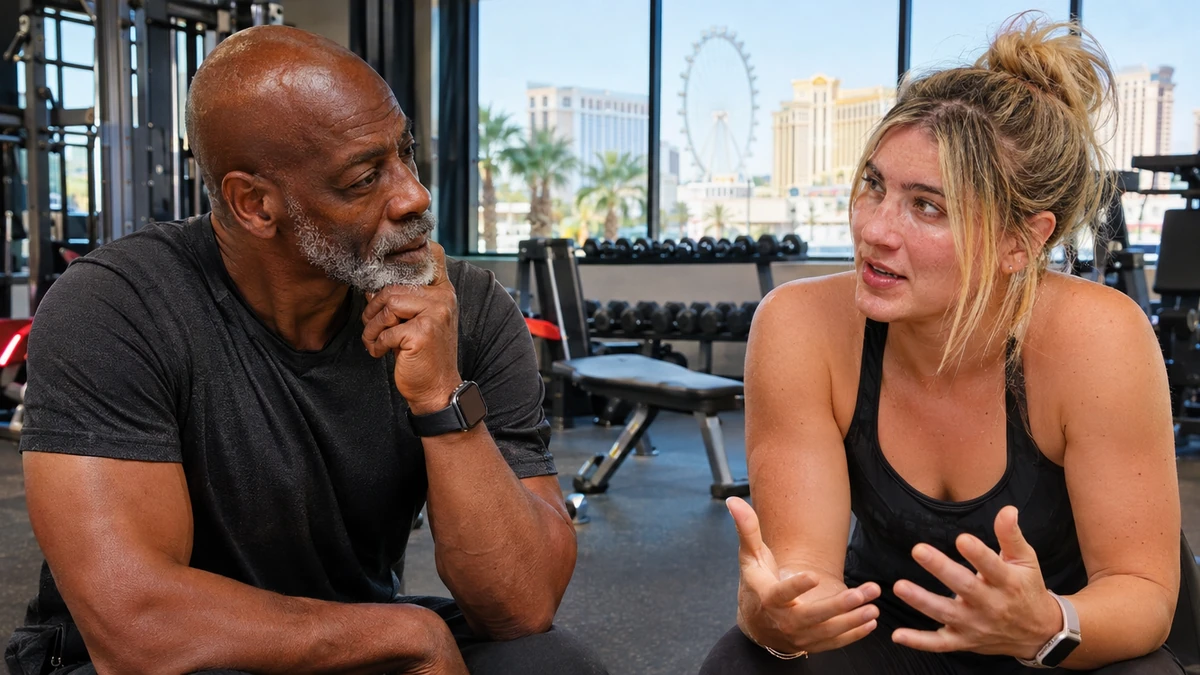
FTC guidance describes potential liability for creating fake or false reviews. Use your real customer account as the source. Follow the FTC's keep-only-what-you-need advice when preparing anonymized inputs.
22. Reply to a positive review
For an auto shop replying publicly to this real customer review, draft a brief thank-you using only the review and approved business tone. Return two options. Do not add service details or identify the customer.
Check whether your reply introduces undisclosed details. Remove assumptions about the visit. Have the service advisor approve the response against the original review.
23. Respond to a critical review
For a restaurant responding publicly to this real critical review, use the approved response policy and contact route. Acknowledge the stated concern without inventing an investigation or resolution. Return one draft for manager approval.
Compare your reply with the actual complaint. Remove promises the manager has not approved. Keep private customer and staff information out of the public response.
24. Answer a service question
For a plumbing shop replying to a prospective customer, answer this anonymized service question using the approved service sheet. Return a brief response and missing facts. Do not diagnose a problem or invent appointment availability.
Check your reply against the service sheet. Ask the responsible employee to supply missing facts. Confirm any contact instructions before sending the response.
25. Summarize a reply for human follow-up
For a retail store manager handling an unresolved customer message, summarize these anonymized notes for internal follow-up. Return the customer's stated concern, actions documented and questions remaining. Invent no resolution or customer agreement.
Match every action to your supplied notes. Keep documented events separate from proposed next steps. Ask the manager to approve the summary before assigning follow-up.
How Does Spectral Vision Support Your Content?

Your AI-written content is trained on your voice and approved by you before it goes live. We use GPT models alongside Claude and Gemini where they fit the job. Review our ChatGPT marketing work and website design service for the relevant scope.
We optimize your website for ChatGPT, Claude and Gemini in addition to Google. Spectral Vision has helped Las Vegas businesses grow since 2018. Use our agency selection scorecard to prepare your provider questions.
- Bring your approved service descriptions.
- Choose writing samples reflecting your voice.
- Name your final content approver.
ChatGPT Marketing Prompts: Your Questions Answered
What should I supply with a marketing prompt?
Supply your audience, objective and approved evidence. Specify the desired format. Name the reviewer before generating a draft.
Does a detailed prompt ensure accuracy?
Treat every output as a draft. Check your factual statements against original sources. Correct unsupported wording before publication.
Should I paste customer records into a prompt?
Review your upload rules first. Remove unrelated personal details. Use anonymized examples for drafting exercises.
How do I organize repeated drafting work?
Projects group chats, files and instructions. Keep your approved materials together for the assignment. Review them when business information changes.
Should I use these prompts to invent reviews?
Use your real customer feedback for replies. Do not manufacture customer experiences. Ask a person to approve the response.
Book a strategy call with our Las Vegas AI team to discuss your content. Bring approved writing samples. Choose one prompt to review together.
Like this article? Add Spectral Vision as a preferred source, and you are more likely to see our articles in Google's Top Stories.